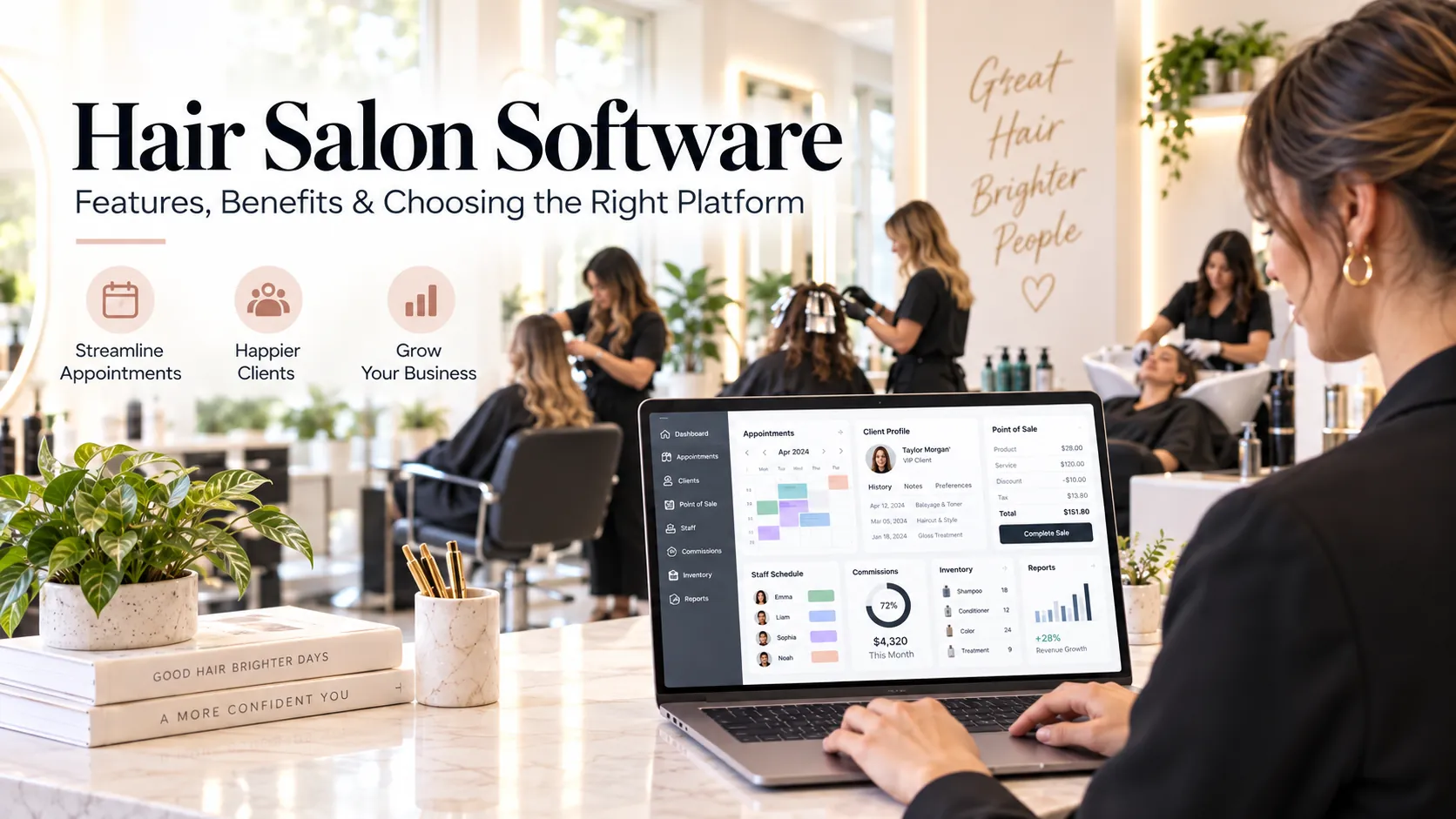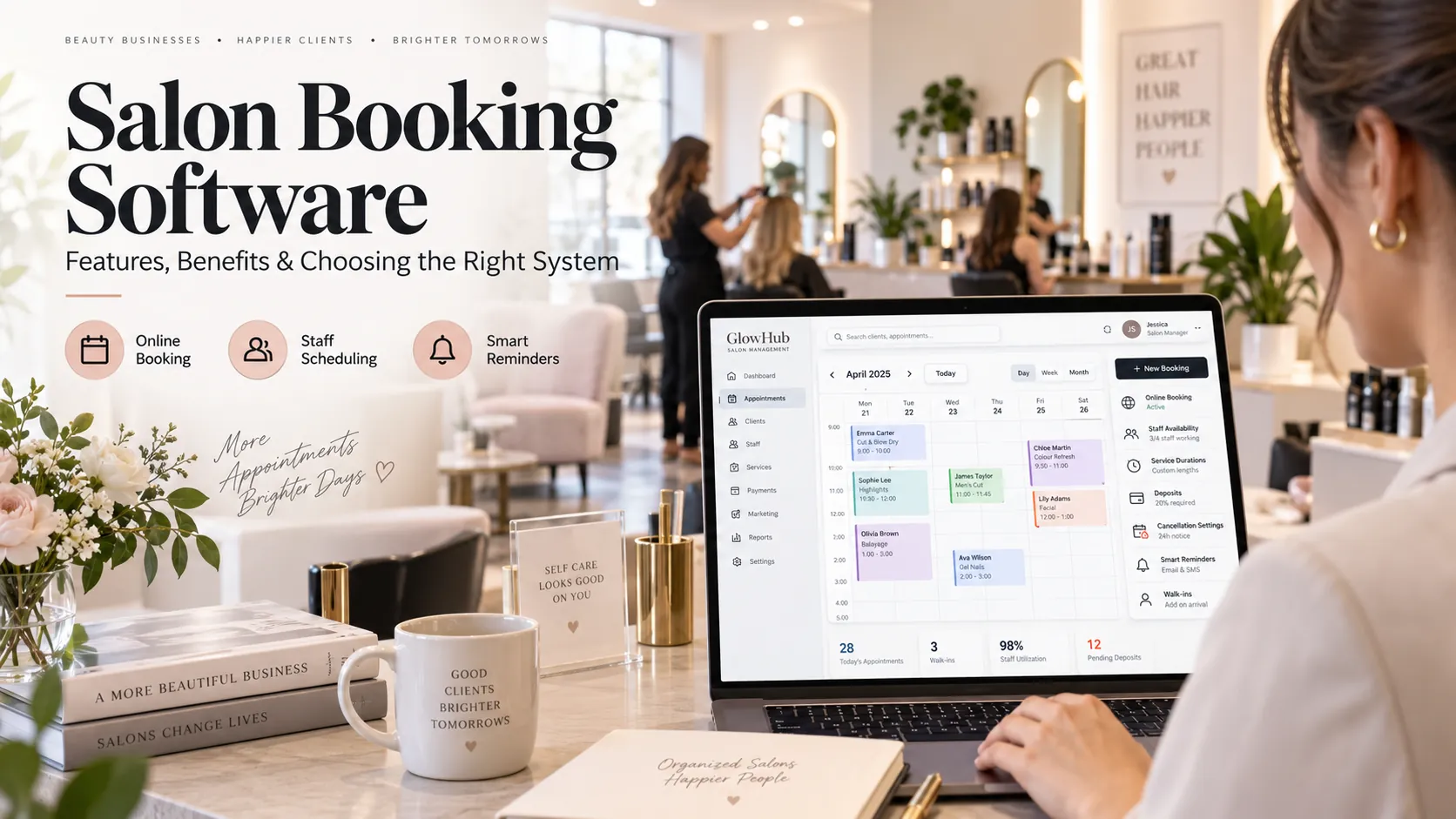
Salon software is a platform that helps run appointments, customer records, billing, staff, inventory, packages, memberships, reminders and reporting from one system. The right platform should reduce duplicate work, keep customer and business data consistent, and be simple enough for staff to use during the busiest part of the day.
Key takeaways
What is salon software?.
Online booking should protect the salon, not only serve the customer.
Staff software should improve accountability without creating surveillance.
How to compare salon software.
“Salon software” can mean almost anything from a basic appointment calendar to a full operating platform.
That makes buying difficult. Two products may both advertise online booking, POS, CRM and reports, yet one is designed for a solo professional while the other can support several branches, complex permissions and inventory.
The useful question is not, “Which salon software has the most features?” It is, “Which system fits the way my salon actually operates?”
This guide gives you a practical framework for answering that question.
What is salon software?
Salon software is a digital system designed to manage the main customer, staff and commercial workflows of a salon.
Depending on the product, it may include:
appointment scheduling;
client profiles;
POS;
billing and taxes;
payment tracking;
staff rosters;
attendance;
commissions;
inventory;
packages;
memberships;
loyalty;
reminders;
marketing;
analytics;
multi-location management.
The best platforms connect those functions.
For example, an appointment becomes a completed service. That service becomes a bill. The bill updates revenue. The staff member receives performance credit. The customer history changes. A package balance may be reduced. A product may be consumed. A future follow-up may become due.
One event can update several records without staff re-entering the same information.
Five signs your salon has outgrown basic tools
You do not need complex salon software simply because it exists.
You probably need a stronger system when one or more of these problems becomes frequent.
1. The calendar is no longer trustworthy
Online booking, calls, walk-ins and staff messages create conflicting versions of availability.
2. Customer history is scattered
Important information lives in WhatsApp, notebooks, old invoices or individual staff memory.
3. Billing and packages require manual checking
Reception has to ask someone whether a package is valid or whether a deposit was paid.
4. Staff performance is disputed
Commission reports need manual editing or employees cannot understand how their numbers were calculated.
5. The owner cannot get reliable numbers quickly
Revenue, stock, rebooking or staff utilisation requires combining several spreadsheets.
Software creates value when it removes these repeated coordination costs.
Essential salon software features
Appointment scheduling
The system should combine service duration, staff availability, skills and physical resources.
Reception must be able to move appointments quickly. Online bookings and walk-ins should update the same live calendar.
Client CRM
The CRM should show useful customer context: history, upcoming appointments, packages, memberships, preferred staff, communication and spend.
A CRM becomes valuable when the information can trigger action, such as rebooking or relevant follow-up.
Online booking
The customer should be able to book on mobile with as few unnecessary steps as possible.
Availability must respect staff shifts, leave, resource limits, buffers and booking policies.
POS and billing
Checkout should start from the customer and appointment, not from a blank transaction.
Support for discounts, taxes, split payments, refunds, packages and products should match your business.
Staff management
The platform should support working hours, leave, attendance, permissions and, where needed, commission.
The owner should be able to separate schedule access from financial access.
Inventory
Useful inventory covers purchases, sales, service-use consumption, adjustments and stock counts.
The system should help the salon reorder intelligently without demanding a level of tracking staff will never maintain.
Memberships and packages
Balances, expiry, eligible services and redemption should be visible during booking and checkout.
Loyalty
A loyalty system should be easy for the customer and easy for staff to explain. Complicated earning rules can create more questions than retention.
Messaging and marketing
Confirmations, reminders and follow-up work best when they are triggered by real customer activity.
Reporting
Owners need actionable visibility into bookings, sales, staff, customers, stock and retention.
The “one source of truth” test
A powerful way to judge salon software is to ask where each important piece of data lives.
Take a customer appointment.
Is the appointment in one calendar, the customer note somewhere else, the deposit in a payment app, the package balance in a spreadsheet and the reminder in WhatsApp?
If yes, the business still has multiple sources of truth.
A stronger system keeps the operational record connected while allowing external tools to integrate where appropriate.
This reduces the number of times staff have to ask, “Which record is correct?”
Online booking should protect the salon, not only serve the customer
Online booking is a sales channel for salon time.
That means it must protect the rules behind that capacity.
The booking engine may need to consider:
staff skills;
staff shifts;
breaks;
resource availability;
service duration;
buffers;
advance booking limits;
cancellation policy;
deposits;
branch hours;
customer eligibility for a package or membership.
A customer should see a simple experience. The complexity stays behind the scenes.
Salon CRM should support retention
Retention is one of the strongest reasons to keep good customer data.
Instead of sending the same offer to every person in the database, the salon can identify more relevant groups.
Examples:
clients due for a haircut;
colour customers with no future booking;
high-value clients who have not returned;
customers with unused package balances;
members approaching renewal;
new customers who did not rebook after the first visit.
The software should make these groups accessible without exporting the database every week.
Staff software should improve accountability without creating surveillance
Staff management should help the business coordinate work and explain performance.
Useful functions include:
roster;
attendance;
leave;
schedule;
service credit;
commission;
targets;
permissions.
The purpose is operational clarity.
Avoid designs that encourage excessive monitoring without a clear business reason. Staff adoption improves when the system saves them time and makes rules transparent.
Salon inventory: aim for useful accuracy
Inventory systems often fail because the business tries to track more detail than the team can maintain.
Divide stock into practical categories.
Retail: products sold to customers.
Professional use: products consumed while delivering services.
Consumables: low-value items used frequently.
Track critical and expensive items more closely. Use periodic stock counts for the rest.
The best inventory process is not the most detailed one. It is the one the team can execute consistently.
AI and salon software
AI is becoming a useful interface for business data.
A salon owner may want to ask:
Why did revenue fall last week?
Which clients are likely due to return?
Which staff members have unused capacity?
Which services have rising cancellation rates?
Which products are moving faster than usual?
Which branch needs attention?
AI can help summarise or prioritise those questions.
But AI needs clean inputs.
If the salon uses duplicate clients, inconsistent service names, shared staff logins and incomplete appointment statuses, even a sophisticated AI layer will have limited value.
Think of AI as the top layer of the stack, not the foundation.
Cloud salon software: what to verify
Cloud software is convenient because the business can access it from multiple devices and locations.
Check:
data export;
backups;
permissions;
audit logs;
login security;
uptime approach;
mobile usability;
vendor support;
data migration;
branch scalability.
Also ask what happens during internet disruption.
The answer matters more than the word “cloud.”
How to compare salon software
Create a scorecard using your own priorities.
Area
Questions
Booking
Can it model our services and capacity?
Reception
Can common tasks be completed quickly?
CRM
Is customer history easy to use?
POS
Does checkout connect to appointments?
Staff
Are shifts, leave and permissions clear?
Commission
Are rules explainable?
Inventory
Can we maintain the required level of accuracy?
Packages
Are balances and redemption reliable?
Messaging
Can reminders and follow-up be automated sensibly?
Reports
Can managers take action from the data?
Data
Can we export everything we may need later?
Support
Does the vendor understand salon operations?
Weight the categories.
A single-chair studio and a five-branch salon should not use the same scoring model.
Implementation: a practical order
1. Service catalogue
Clean names, durations, prices, taxes and online-booking eligibility.
2. Staff
Configure skills, shifts, permissions and commission.
3. Customers
Remove duplicates before import.
4. Stock
Standardise product names and opening quantities.
5. Commercial rules
Set packages, memberships, discounts, refunds and payment methods.
6. Booking rules
Add buffers, deposits, cancellation rules and resources.
7. Messaging
Prepare confirmations, reminders and follow-ups.
8. Testing
Run a real week of appointments in the test environment.
9. Training
Train by role rather than giving everyone the same session.
10. Review
Watch for side spreadsheets and unofficial processes after launch.
Those workarounds show where the software or configuration needs improvement.
Common salon software mistakes
Choosing by price alone. Low cost does not help if staff need several extra tools.
Choosing by feature count. Some products list features that are too shallow for complex operations.
Skipping data cleanup. Bad data becomes bad reporting.
Ignoring migration. Ask what history and balances can be transferred.
Over-customising. Too many special rules can make the system harder to maintain.
Automating too early. Stabilise the workflow before launching complex campaigns.
Search and AI usefulness
This article keeps salon software as the primary subject and answers the main follow-up questions within one page rather than creating thin pages for minor keyword variations. For stronger visibility over time, add original screenshots, workflow diagrams, verified customer examples and first-party benchmarks when available. Those assets give readers information that generic summaries cannot reproduce.
Frequently asked questions
What is salon software used for?
It manages salon operations such as booking, customer records, POS, staff, inventory, packages, messaging and reporting from one system.
Is salon software the same as salon management software?
The terms are often used interchangeably. “Salon management software” usually implies a broader platform, while “salon software” can also refer to narrower tools.
Does a small salon need software?
A small salon benefits once bookings, customer history or payments become difficult to manage consistently with basic tools.
Can salon software manage multiple branches?
Many systems can, but depth varies. Check branch-specific pricing, staff, inventory, permissions and consolidated reporting.
Can salon software send WhatsApp messages?
Some platforms integrate with WhatsApp Business messaging. Verify how automation, templates, consent and message pricing work.
How much salon software should I buy at first?
Start with the workflows you need now and make sure the platform can scale. Avoid paying for complex modules the team is unlikely to use.
Final thoughts
The right salon software should make the business more coherent.
Staff should spend less time checking several systems. Customers should experience consistent booking and service. Owners should trust the numbers without rebuilding them manually.
That is a stronger buying principle than “more features.”
For Wellnito, it also creates a clear content and product position: an all-in-one platform should earn the word “all-in-one” by connecting the daily salon workflow, not by placing unrelated features in one menu.