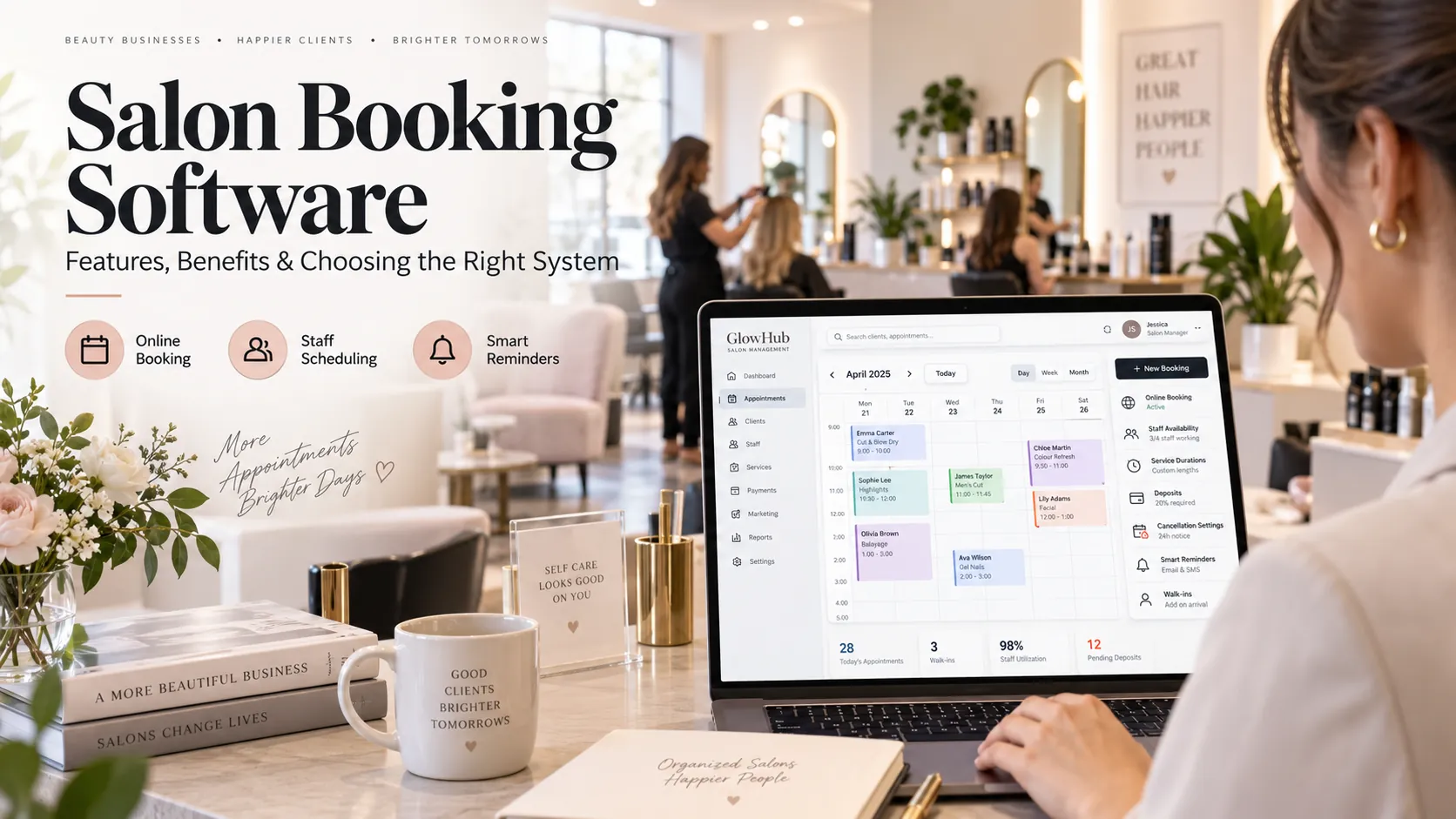
Salon scheduling software coordinates customer appointments with staff working hours, service duration, skills, breaks and physical resources. A good scheduling system should prevent impossible bookings, show usable capacity clearly and make schedule changes fast enough for reception to manage in real time.
Key takeaways
Salon scheduling software vs an ordinary calendar.
The four layers of salon capacity.
Multi-staff calendar design.
Staff shifts and leave.
A salon schedule is not simply a list of appointments.
It is a capacity map.
At any moment, the business needs to know which professionals are working, what they are qualified to do, which chairs or rooms are available, how long each service will take and whether the calendar has enough buffer to stay on time.
That is the job of salon scheduling software.
This guide explains how scheduling logic works, the features to prioritise, and how to design a calendar that helps the business use capacity without overloading staff.
Salon scheduling software vs an ordinary calendar
A normal calendar stores events.
Salon scheduling software applies operating rules before and after those events are created.
For example, a salon system can know:
Staff A works 10:00–18:00.
Staff A can perform haircuts and styling but not advanced colour.
Lunch is 14:00–14:30.
Service X takes 45 minutes.
Service X requires a particular room or chair.
A 10-minute cleanup buffer is needed afterwards.
The service can only be booked until two hours before the appointment.
Those rules determine availability.
Without them, reception becomes responsible for remembering every constraint manually.
The four layers of salon capacity
Think of scheduling in four layers.
Staff
Who is working?
Skill
Who is qualified to perform the service?
Time
Is there enough uninterrupted time for the full service and buffer?
Resource
Is the required chair, room or equipment available?
A valid appointment needs all four.
This is why a schedule can look half empty while the business has no real capacity for a specific service.
Multi-staff calendar design
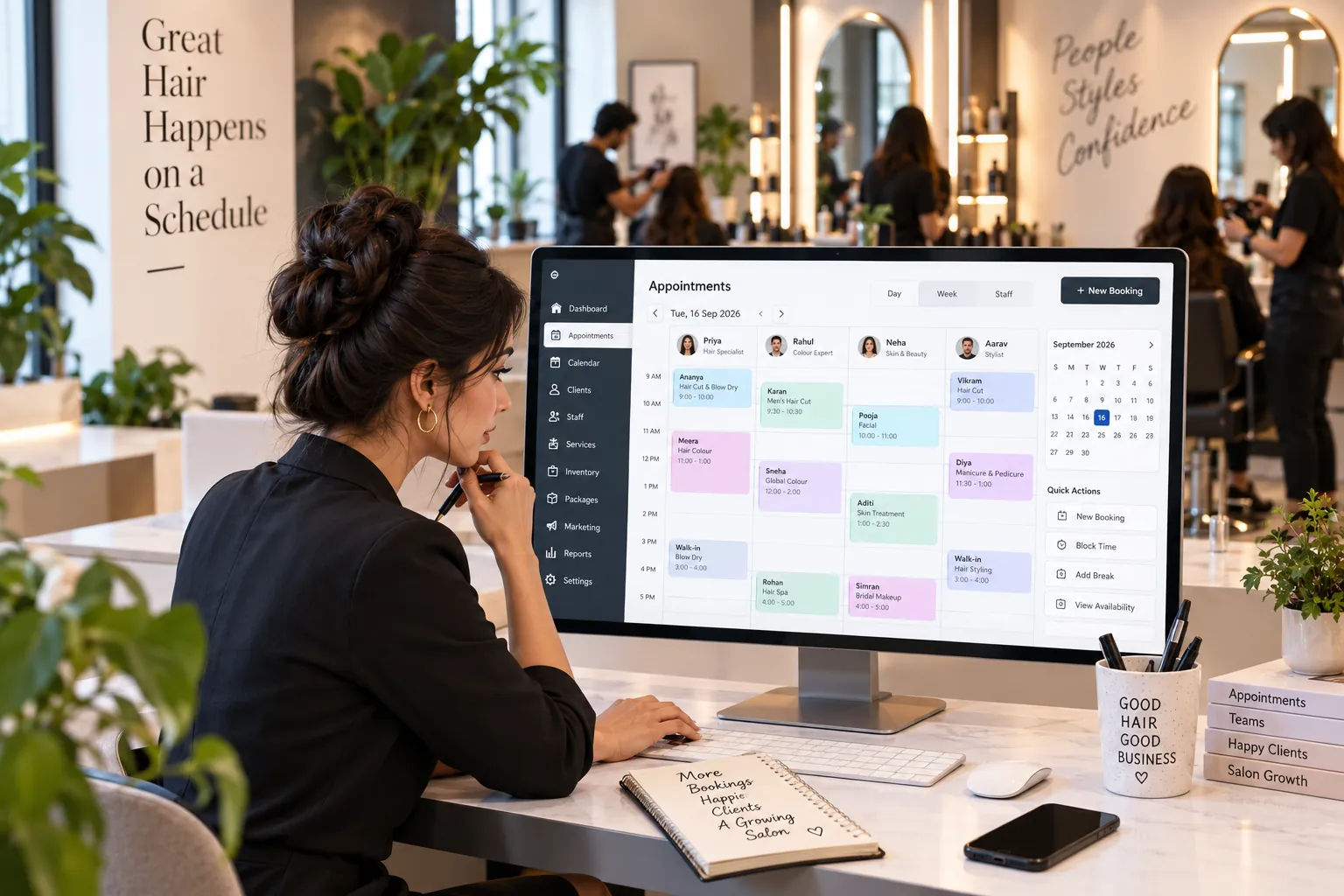
Reception needs a calendar that answers questions quickly.
A good multi-staff view should help identify:
who is busy;
who is free;
who is on break;
who is absent;
which appointments are confirmed;
which customers have arrived;
where delays are developing.
The calendar should remain readable during peak periods.
Too many colours, icons and labels can make the screen harder to understand. Use visual signals only when they help a decision.
Staff shifts and leave
Shift management should feed the booking calendar automatically.
When staff leave is approved, those hours should become unavailable.
When a shift changes, online availability should update.
If staff frequently work across branches, the system must prevent the same person from being booked in two places.
These seem basic, but they are exactly the details that break when scheduling and staff management live in separate tools.
Skill-based scheduling
Skill assignment protects service quality.
A receptionist may know that only certain staff can perform a service. Online booking does not know unless the system is configured.
Create staff-to-service mappings.
For each service, define:
qualified staff;
service duration if it varies by professional;
any seniority requirement;
room or equipment;
buffer;
assistant if needed.
This makes availability more accurate without exposing complexity to the customer.
Room and resource scheduling
Some salons are limited by rooms rather than staff.
A beauty salon may have several therapists but one advanced treatment room. A hair salon may have limited wash stations. A nail salon may have specific stations.
The scheduling system should reserve these resources.
Otherwise, a second appointment can be accepted simply because another staff member is free.
During a software demo, create two bookings that compete for the same resource and verify the system blocks the conflict.
Buffer time
Buffers help the schedule match reality.
Common reasons include:
consultation;
setup;
cleanup;
sterilisation;
room turnover;
travel between branches;
processing;
short breaks.
If staff add manual blocks every day to protect these periods, the service setup is probably incomplete.
Configure recurring operational time as a rule rather than as an informal workaround.
Recurring appointments
Recurring appointments are useful for repeat services and regular clients.
But every future appointment still needs validation.
A recurring series should respond to:
staff leave;
changed shifts;
holidays;
changed opening hours;
service changes;
resource conflicts.
The software should warn about future conflicts instead of blindly creating them.
Drag-and-drop rescheduling
Fast schedule changes are essential at reception.
Drag-and-drop can be useful, but the software must revalidate the booking when it moves.
If an appointment is dragged to another professional, ask:
Can the new person perform the service?
Is the duration correct?
Is the room free?
Does the deposit stay attached?
Is the customer notified?
Visual convenience should not bypass scheduling rules.
Walk-ins and waiting customers
Walk-ins are part of many salon operations.
Reception should be able to:
find the next realistic capacity;
assign staff;
add the customer;
update online availability;
track waiting status.
A walk-in added outside the calendar creates the risk of selling the same time online.
The schedule should remain the one source of truth.
How scheduling software prevents double booking
Double-booking prevention depends on the constraints the software knows.
At minimum, check:
staff overlap;
resource overlap;
service duration;
buffer;
shift;
leave;
branch;
recurring appointment conflicts.
The system should either block an invalid booking or give a clear warning that requires an authorised override.
Silent conflicts are dangerous. Constant warnings are also bad because staff begin ignoring them.
The best configuration prevents routine errors without slowing legitimate exceptions.
Capacity utilisation: do not chase 100%
Scheduling reports often include utilisation or occupancy.
Higher utilisation can improve revenue, but 100% is not automatically good.
A calendar without realistic buffers can create:
late running;
stressed staff;
customer waiting;
rushed cleaning;
no flexibility for walk-ins;
poor recovery from delays.
Use utilisation to understand capacity, not to remove every empty minute.
The right target depends on your service mix.
Scheduling metrics worth tracking
Useful metrics include:
staff utilisation;
room utilisation;
peak-hour demand;
unfilled high-demand capacity;
average booking lead time;
late cancellations;
no-shows;
recurring appointment retention;
appointment overruns;
reschedule frequency;
unused shift hours.
Look for patterns.
For example, repeated overruns may mean the service duration is unrealistic, not that staff are slow.
Salon scheduling software buying checklist
Test these scenarios.
Normal booking
Create a standard service with the expected staff member.
Skill conflict
Try to assign an unqualified employee.
Leave
Mark the preferred employee unavailable.
Resource conflict
Use a room or chair already reserved.
Walk-in
Add an immediate customer and watch online availability update.
Long service
Check whether enough uninterrupted time exists.
Buffer
Verify cleanup or preparation time is protected.
Recurring appointment
Create a series across future staff leave.
Branch conflict
If relevant, try to schedule the same employee at two locations.
Reschedule
Move the appointment to another time and professional.
A platform that handles these scenarios cleanly is more useful than one that merely looks attractive.
Setting up scheduling software
Build the staff matrix
List each team member, working hours, skills and branch.
Clean the service menu
Standardise duration and identify services that need extra resources.
Define resources
Add rooms, chairs, equipment or other scarce capacity.
Add buffers
Protect real operating time.
Configure leave and breaks
Make them part of availability.
Test a real week
Copy one of your busiest historical weeks into the system and compare it with what the team actually did.
This exposes weak rules quickly.
Common scheduling mistakes
Using one default duration for a service that varies heavily.
Keeping staff leave in a separate spreadsheet.
Ignoring resources.
Allowing staff to create unofficial bookings.
Using manual calendar blocks instead of fixing service rules.
Assuming full utilisation is the goal.
Changing schedules without notifying the customer.
The best scheduling system cannot help if the team maintains a second schedule outside it.
Scheduling software and staff fairness
Scheduling is not only about customer demand. It also affects how work is distributed across the team.
If reception always assigns the first available person, some staff may receive a disproportionate share of lower-value or less desirable services. If customers can select only the most popular stylist, other qualified staff may remain underused.
A useful scheduling system should give managers enough visibility to understand the pattern.
That does not mean software should automatically distribute customers in a way that ignores preference. It means the owner can review:
service mix by staff member;
booked hours;
available hours;
repeat-client demand;
new-client assignment;
high-value service distribution.
This helps the manager decide whether the issue is scheduling, skill development, customer preference or roster design.
What an owner should see on the schedule dashboard
The owner view should be different from the front-desk view.
Reception needs immediate operational detail. The owner may need a concise picture of capacity.
Useful indicators include:
staff working today;
booked vs available hours;
rooms or resources near full capacity;
cancellations;
no-shows;
waiting customers;
unusual gaps during peak periods.
The dashboard should help the owner identify where intervention is needed without opening every staff calendar individually.
Search and AI usefulness
This article keeps salon scheduling software as the primary subject and answers the main follow-up questions within one page rather than creating thin pages for minor keyword variations. For stronger visibility over time, add original screenshots, workflow diagrams, verified customer examples and first-party benchmarks when available. Those assets give readers information that generic summaries cannot reproduce.
Frequently asked questions
What does salon scheduling software do?
It coordinates customer appointments with staff working hours, skills, service duration, buffers and resources.
Can it prevent double bookings?
Yes, if all relevant constraints are configured and staff use one central calendar.
Can staff manage their own schedules?
Many systems allow staff to view schedules or request leave. Keep commercial and administrative permissions separate.
Can it schedule rooms and equipment?
Good salon scheduling tools can reserve physical resources as well as staff. The depth varies by platform.
Is scheduling software useful for a small salon?
Yes, especially when several staff members, online booking or different service durations make manual coordination difficult.
What is the most important setup task?
Accurate service duration and staff availability. If those are wrong, every downstream slot calculation is wrong.
Final thoughts
Good salon scheduling software makes the calendar believable.
Reception should be able to trust it. Staff should know what is expected. Customers should not be offered impossible times.
The objective is not to fill every minute. It is to use salon capacity intelligently while protecting service quality.