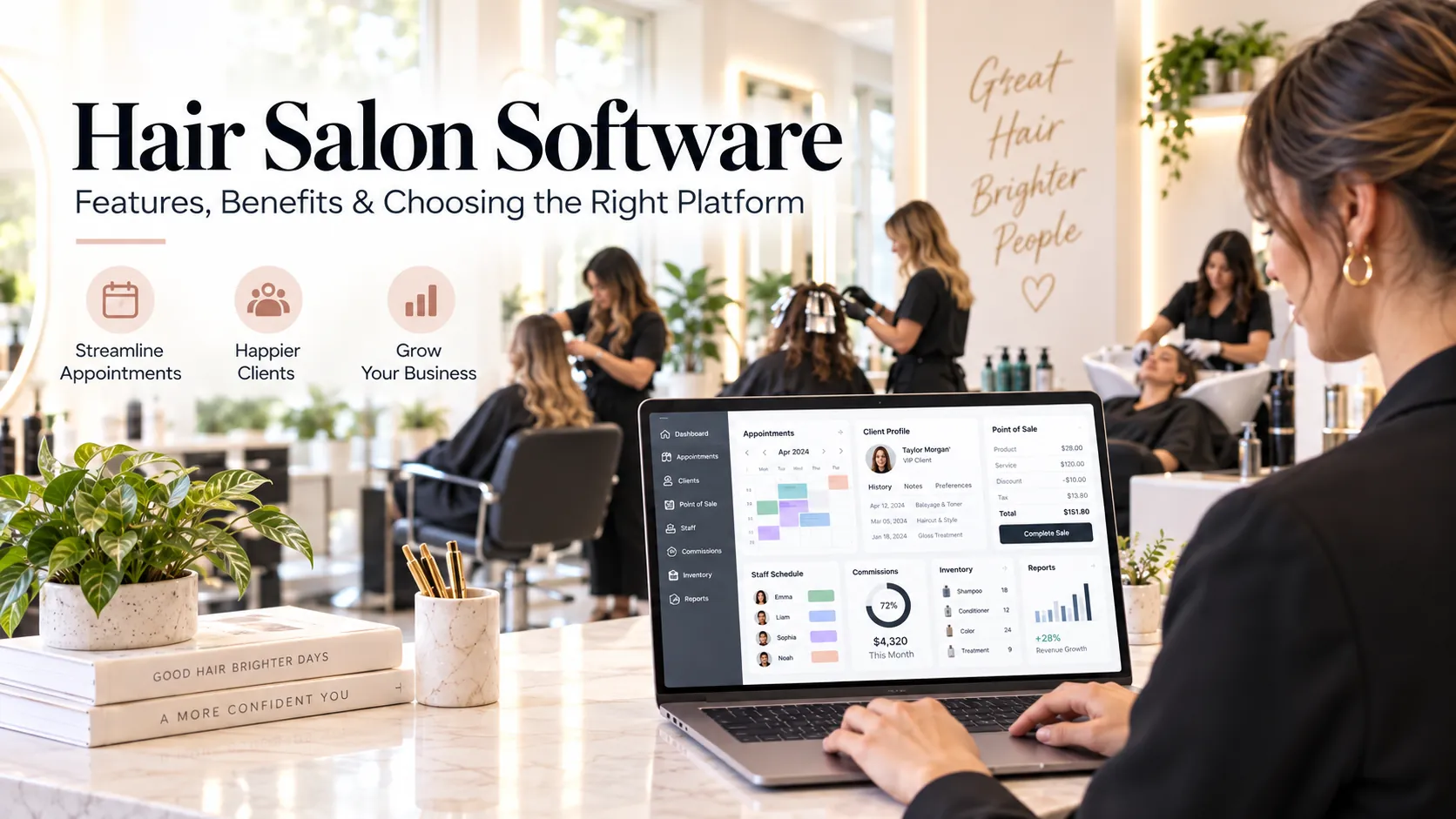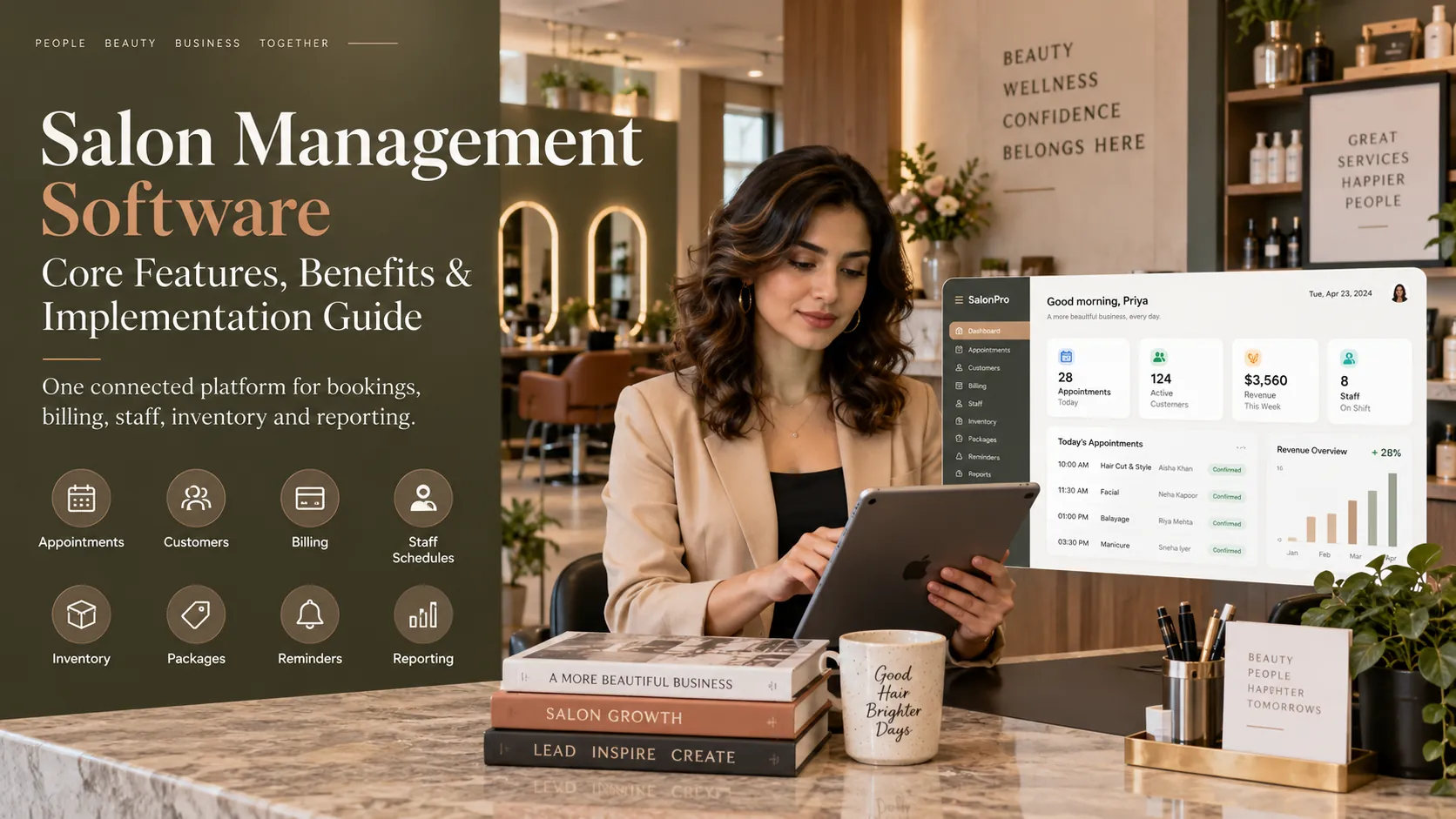
Salon management software is an integrated operating platform for running appointments, customers, billing, staff, inventory, packages, communication and management reporting. Its biggest advantage is not automation alone; it is creating one consistent data trail from booking to service delivery, payment, follow-up and owner reporting.
Key takeaways
What is salon management software?.
Core feature 1: appointments and capacity.
Core feature 2: client CRM.
Core feature 3: POS and financial control.
Core feature 4: staff attendance, shifts and commissions.
A salon can operate with a booking calendar, a billing tool, a spreadsheet and WhatsApp for a long time. The problem appears when the owner wants a reliable answer to a simple business question.
How many clients rebooked? Which staff member is underutilised? How much package liability is outstanding? Why is product stock different from the count? Which customers have not returned? How much money should be in each payment mode at closing?
If those answers require combining several systems, the business has an information problem.
Salon management software is designed to solve that problem by connecting the operational parts of the salon rather than treating them as separate administrative tasks.
What is salon management software?
Salon management software is a platform used to coordinate the day-to-day and managerial activities of a salon.
Typical modules include:
online booking;
client CRM;
payments and reconciliation;
staff attendance;
shifts and leave;
commissions;
inventory;
memberships;
packages;
loyalty;
reminders;
marketing;
multi-branch controls;
analytics and reporting.
The most important feature is the relationship between modules.
For example, when a service is completed, it can update the customer record, revenue, staff performance, package balance and product consumption. That connected event is more useful than five separate entries made by different people.
Management software vs booking software
Booking software focuses mainly on appointments and availability.
Management software is broader. It treats the booking as the beginning of an operating process.
A useful distinction is:
Booking software asks: When can the customer come?
Management software also asks: Who serves them? What did they buy? How did they pay? What product was used? What commission applies? Do they have a package? Did they rebook? What should the owner learn from the visit?
Many modern platforms include both. The difference is the depth of the back-office workflows.
A connected salon workflow
Consider a normal customer visit.
Before the visit
The customer books online or reception creates the appointment. The system checks availability and sends confirmation.
At arrival
Reception checks the customer in. Staff can see the scheduled service and relevant history.
During the service
The service may change. An add-on can be added. The system should preserve who performed the work and what was actually delivered.
At checkout
The bill is created from completed services. Packages or loyalty are applied. Payment is recorded. Commission is attributed. Relevant stock is updated.
After the visit
The customer receives a receipt or follow-up. Rebooking can happen immediately. The visit becomes part of retention and performance reporting.
This connected flow is the foundation of salon management software.
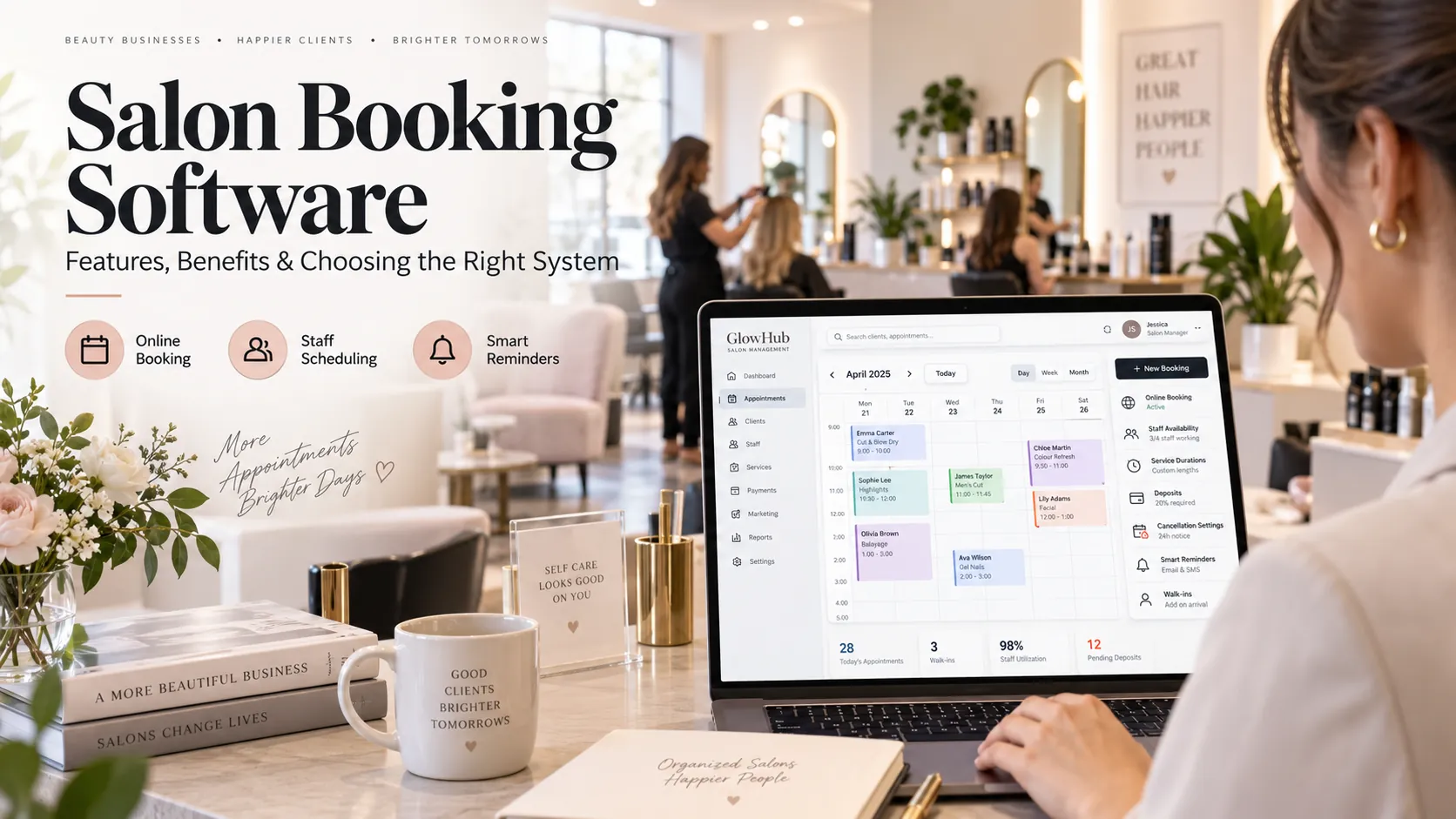
Core feature 1: appointments and capacity
Management starts with control over time.
The appointment calendar should combine:
service duration;
staff skills;
shifts;
leave;
breaks;
chairs or rooms;
buffers;
walk-ins;
online bookings.
The owner should be able to see where capacity is used and where the business is losing time.
A calendar that simply looks full is not enough. The aim is productive, realistic utilisation.
Core feature 2: client CRM
The client CRM should make the relationship visible.
Useful information includes:
visit history;
upcoming bookings;
preferred staff;
packages;
memberships;
loyalty;
spending;
notes;
communication history;
rebooking behaviour.
A strong CRM supports service and retention. It should not become a dump of unnecessary personal information.
Set rules for what staff should record and who is allowed to see or edit it.
Core feature 3: POS and financial control
The POS should be connected to the appointment and customer.
At checkout, it should handle:
services;
products;
discounts;
taxes;
packages;
memberships;
gift value where supported;
split payments;
refunds;
deposits;
payment reconciliation.
For Indian salons, GST-ready invoice configuration and UPI-friendly workflows are practical requirements.
The management layer should also help the owner understand sales by payment type and identify mismatches during closing.
Core feature 4: staff attendance, shifts and commissions
Staff management has two parts: capacity and compensation.
Capacity depends on shifts, leave and attendance. If a stylist is absent, the bookable calendar should reflect it.
Compensation may depend on completed services, product sales, targets or commission tiers.
A good system keeps commission explainable.
Managers should be able to trace a commission number back to the transactions behind it. Refunds, discounts and package redemptions need explicit rules so staff do not interpret them differently.
Core feature 5: inventory
Salon inventory becomes difficult because stock moves in several ways.
Products may be:
purchased;
sold to customers;
consumed during services;
transferred between branches;
damaged;
expired;
adjusted after stock count.
The system should capture enough of these movements to make reordering and variance analysis useful.
Do not choose an inventory method that requires more detail than staff will realistically maintain.
Core feature 6: memberships, packages and loyalty
Prepaid value creates both revenue opportunity and operational responsibility.
Management software should make it clear:
what the customer purchased;
the original value;
remaining balance;
eligible services;
expiry;
redemption history;
branch restrictions;
refund or adjustment history.
Owners should also be able to see outstanding package liability rather than treating all prepaid cash as fully earned revenue without operational context.
Core feature 7: customer communication
Messaging should be connected to real customer events.
Common automations include:
booking confirmation;
appointment reminder;
cancellation confirmation;
post-visit follow-up;
birthday or anniversary campaign;
service-due reminder;
inactive-customer re-engagement.
The best segmentation uses behaviour.
For example, “customers who had a colour service 7–9 weeks ago, have no future booking and have opted in to messages” is more useful than blasting every customer with the same offer.
Core feature 8: reporting
Management software should help answer questions at three levels.
Daily
today’s bookings;
cancellations;
no-shows;
sales;
payment mismatch;
staff attendance;
stock alerts.
Weekly
staff utilisation;
revenue by service;
rebooking;
package redemption;
campaign results;
customer retention signals.
Monthly
branch performance;
customer cohorts;
staff productivity;
service profitability;
stock variance;
membership growth;
long-term retention.
This hierarchy keeps managers from getting buried in charts.
Role-based permissions
Permissions are one of the most important management features because the platform contains customer and commercial data.
Create different access for:
owner;
branch manager;
reception;
stylist or therapist;
accountant or finance user where required.
Sensitive actions may include:
price changes;
refunds;
deleting transactions;
exporting customer data;
editing commission;
viewing full financial reports;
adjusting stock;
changing user access.
Avoid shared administrator logins.
An audit trail is far more useful when every action is tied to a real user.
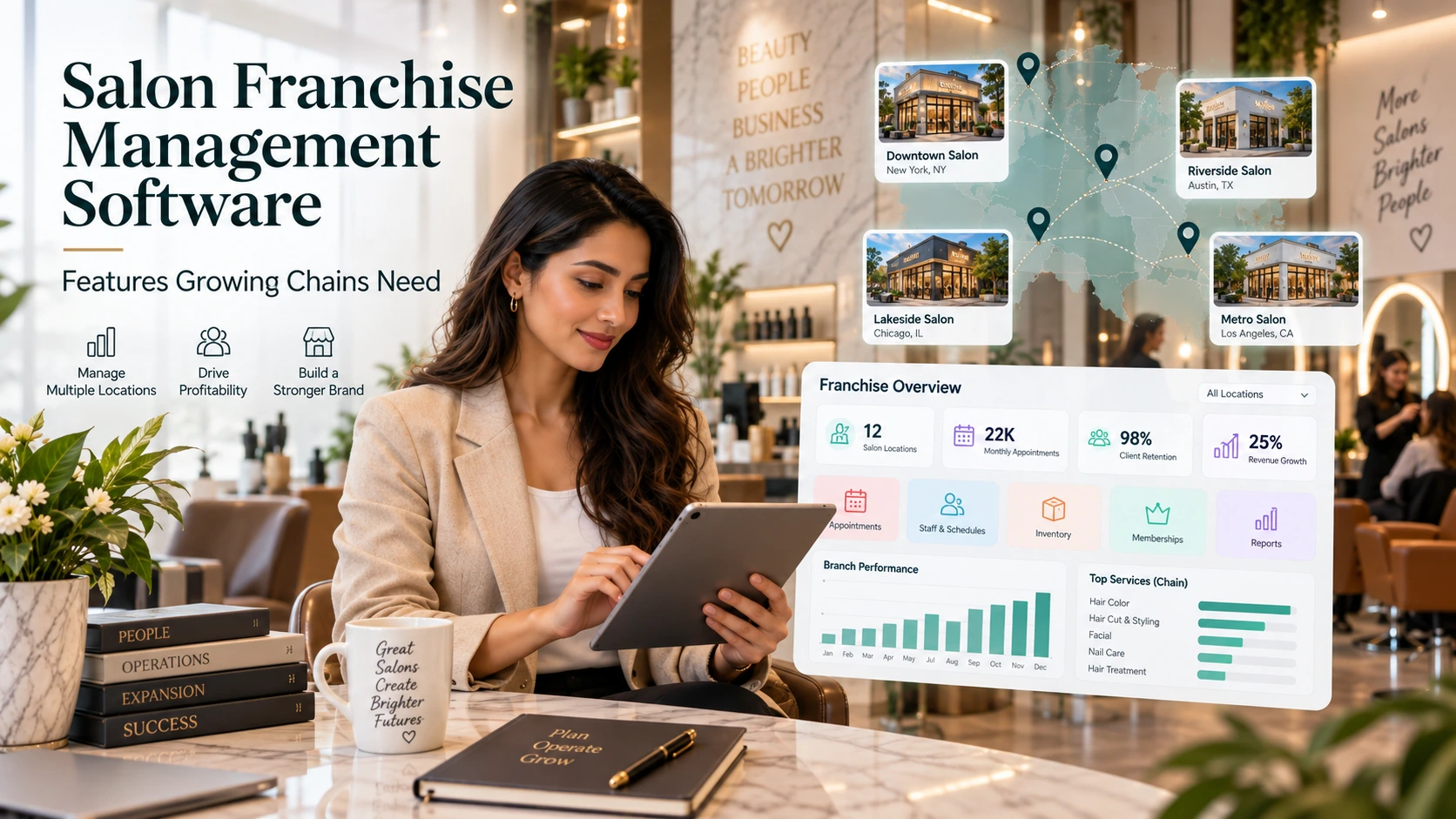
Multi-location management
A multi-branch salon needs both central control and local flexibility.
Test whether the system supports:
branch-specific services;
branch-specific prices;
central customer profiles;
branch permissions;
staff working at more than one outlet;
stock transfers;
consolidated reporting;
branch comparisons;
location-specific packages;
cross-branch redemption rules.
Do not assume “multi-location” means all of these are supported.
Where AI fits into salon management
AI can shorten the time between data and decision.
Possible use cases include:
summarising performance;
explaining changes in KPIs;
identifying customer segments;
predicting likely return windows;
highlighting anomalies;
suggesting follow-up priorities;
natural-language questions such as “Which services had the highest cancellation rate this month?”
AI should not bypass business controls. Managers still need to understand the source data and rules.
The biggest prerequisite is reliable records. If staff skip statuses, use shared accounts or keep transactions outside the platform, the AI layer receives a distorted picture.
A 30-day implementation framework
Days 1–5: define the operating model
Document services, prices, duration, staff skills, shifts, rooms, taxes, packages, memberships, commission rules and cancellation policy.
Days 6–10: clean data
Remove duplicate customers. Standardise phone numbers and product names. Review package balances.
Days 11–15: configure permissions and workflows
Create roles. Set refund controls. Configure booking and billing. Prepare message templates.
Days 16–20: import and test
Import a controlled data sample. Recreate a real week. Test walk-ins, reschedules, staff leave, refunds, packages and stock adjustments.
Days 21–25: train staff
Train by role. Reception needs a different session from service staff or managers.
Days 26–30: go live and review exceptions
Monitor what people still do outside the system. Those workarounds show where configuration or training needs attention.
How to compare salon management platforms
Use weighted criteria instead of asking which platform has “more features.”
A sample score could be:
Category
Weight
Booking and scheduling
20%
POS and billing
15%
CRM and retention
15%
Staff and commission
15%
Inventory
10%
Reporting
10%
Ease of use
5%
Integrations
5%
Support
5%
Adjust the weights to your business.
A salon with heavy retail sales may increase inventory. A multi-location chain may give more weight to permissions and consolidated reporting.
Common implementation mistakes
Copying the old setup exactly
A new system is an opportunity to clean service names and policies. Migrating every old workaround preserves the problem.
Giving everyone administrator access
It is convenient during onboarding and risky afterwards. Configure roles from the beginning.
Launching marketing before data is clean
Automation can quickly send the wrong message to a duplicated or misclassified customer.
Ignoring adoption
If staff can avoid using the system, some will. Make the central workflow the easiest workflow.
Tracking too many KPIs
Start with the numbers that change decisions. Add more only when someone owns the action.
Search and AI usefulness
This article keeps salon management software as the primary subject and answers the main follow-up questions within one page rather than creating thin pages for minor keyword variations. For stronger visibility over time, add original screenshots, workflow diagrams, verified customer examples and first-party benchmarks when available. Those assets give readers information that generic summaries cannot reproduce.
Frequently asked questions
What is salon management software used for?
It connects salon operations such as bookings, customer records, POS, staff, commissions, inventory, packages, messaging and reporting in one system.
Can it replace spreadsheets?
For recurring operational work, usually yes. Spreadsheets can still be useful for ad-hoc analysis, but they are weak for real-time booking, permissions, audit history and multi-user operational workflows.
Can salon management software calculate staff commission?
Many platforms can. Confirm how the system handles discounts, refunds, package redemption, retail commission and different staff rules.
Is multi-location support important for a single salon?
If you plan to expand, it is worth checking early. Migrating systems becomes harder after the business has accumulated years of customer, package and transaction history.
Does salon management software include CRM?
Most full platforms include customer profiles and history. The depth of segmentation, automation and communication varies.
How do I know implementation is successful?
Look for fewer booking conflicts, less duplicate entry, faster reconciliation, better data completeness and fewer side spreadsheets or unofficial processes.
Final thoughts
The purpose of salon management software is not to put more screens in front of the team.
It is to create a clear operating system for the business.
When appointments, customers, payments, staff activity, stock and follow-up share one reliable data trail, the owner spends less time reconstructing what happened and more time deciding what to do next.
That is the standard a platform such as Wellnito should be built and marketed around: connected salon operations rather than disconnected features.