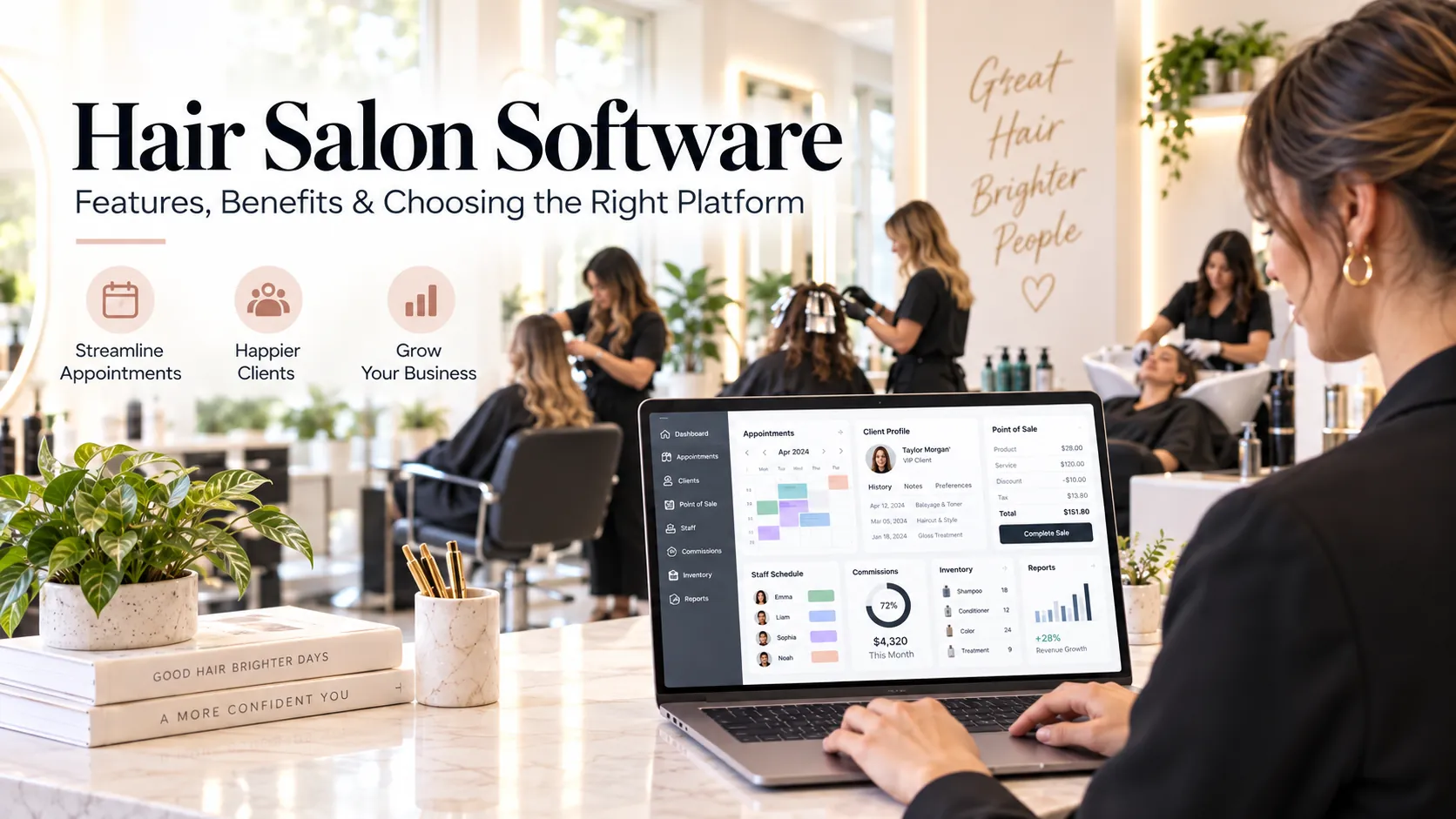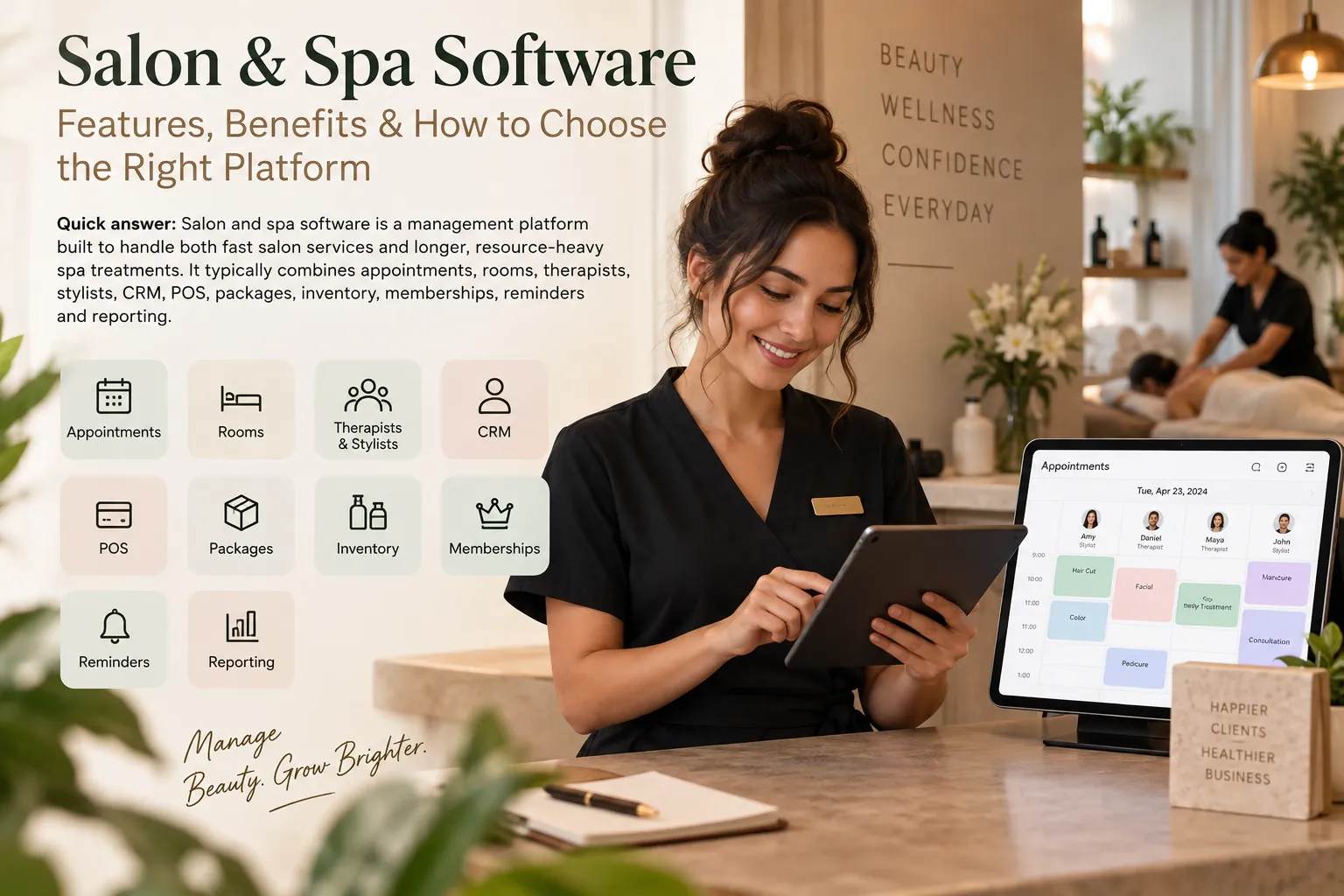
Salon and spa software is a management platform built to handle both fast salon services and longer, resource-heavy spa treatments. It typically combines appointments, rooms, therapists, stylists, CRM, POS, packages, inventory, memberships, reminders and reporting.
Key takeaways
Inventory.
Staff management.
How to choose salon and spa software.
A combined salon and spa runs two different operating rhythms.
The salon side may handle short services, walk-ins and rapid chair turnover.
The spa side may depend on treatment rooms, therapist suitability, preparation, cleanup and longer appointments.
Software that works well for only one side can create operational gaps on the other.
That is why salon spa software should be evaluated as a shared operating system for both service models.
What salon and spa software needs to connect
A complete platform can bring together:
salon appointments;
spa treatments;
stylist schedules;
therapist schedules;
chairs;
treatment rooms;
customer profiles;
treatment history;
POS;
GST invoices;
payments;
packages;
memberships;
gift value where supported;
inventory;
reminders;
marketing;
multi-location reporting.
The main advantage is a single customer and commercial record.
A customer who has a haircut today and a massage next month should not exist in two disconnected databases.
Two service models, one customer
Consider a client who books a haircut and a 60-minute massage.
Operationally, the business needs to coordinate:
stylist;
salon chair;
therapist;
treatment room;
transition time;
customer check-in;
combined billing;
membership or package;
payment;
follow-up.
A generic calendar may represent this as a two-hour block.
A better platform preserves each service while giving the customer one coherent visit.
This helps staffing, room utilisation and reporting.
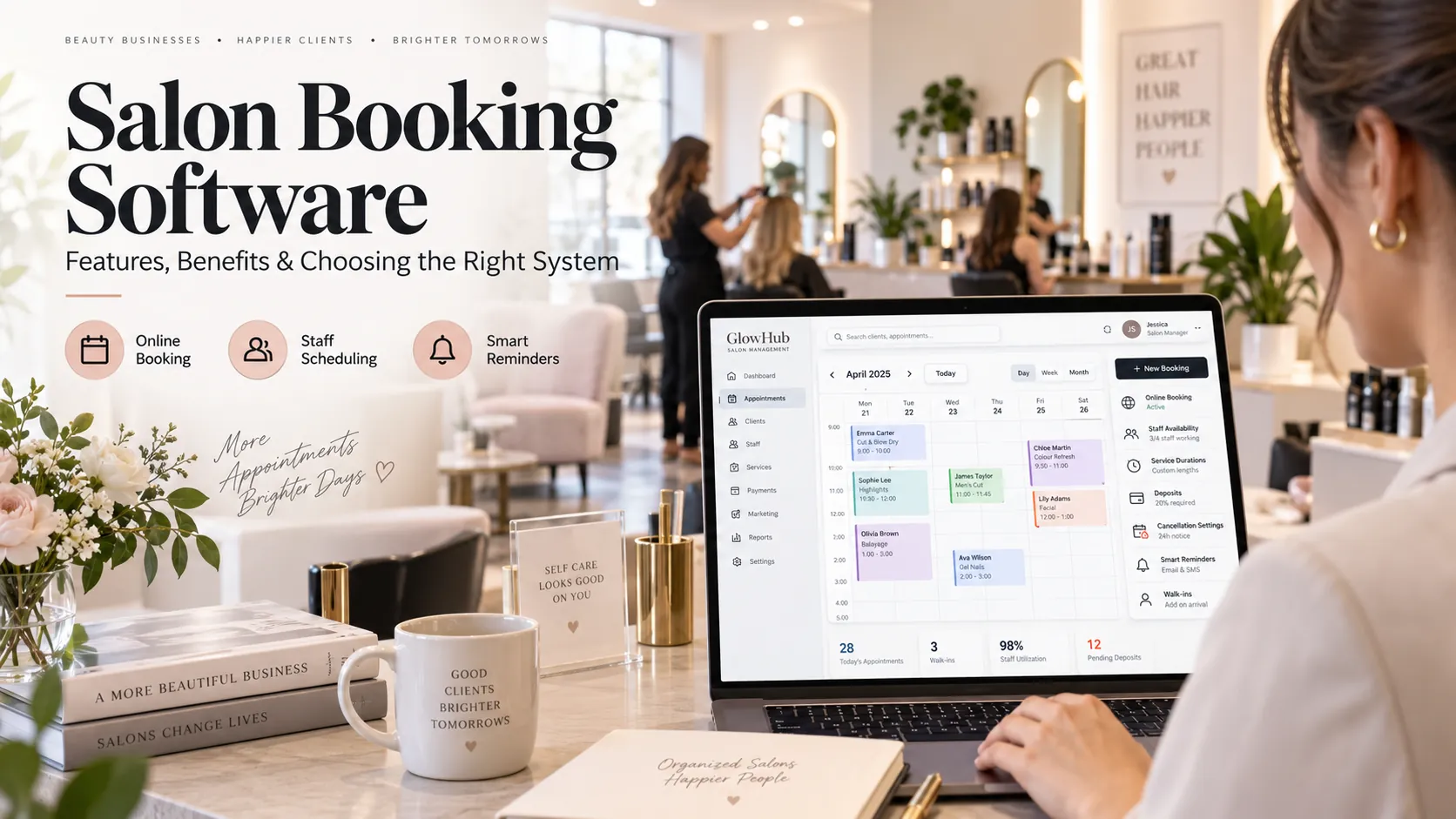
Appointment scheduling
Salon and spa scheduling needs both people and resource logic.
On the salon side, the system may need chairs and wash stations.
On the spa side, it may need treatment rooms, therapy beds, equipment and preparation time.
Availability should come from the intersection of:
service;
staff;
skill;
shift;
room/resource;
duration;
buffer.
The customer sees only valid times.
Online booking
Online booking should make it easy to navigate a wider service menu.
Use strong categories.
For example:
Hair
Beauty
Massage
Body treatments
Facials
Packages
Customers should not scroll through dozens of internal service names.
If a service needs consultation, the booking flow should say so.
If a package includes several treatments, make the redemption path clear.
Client CRM
A combined CRM should preserve history across both salon and spa services.
Useful context can include:
visit history;
preferred stylist;
preferred therapist;
package balance;
membership;
future booking;
purchases;
communication;
relevant service notes.
Role-based visibility matters.
Not every staff member needs access to every note.
Spa intake and service notes
Spa services can involve more detailed intake than a haircut.
If the platform supports consultation or intake forms, check:
what information is collected;
why it is collected;
who can see it;
how it is stored;
whether consent is recorded where required;
how long it is retained.
Do not collect sensitive information simply because the software provides a field.
Use data that has a legitimate operational purpose.
POS and combined checkout
The customer should be able to pay for salon and spa services in one checkout if your business operates them together.
The system should handle:
multiple services;
different staff;
retail products;
packages;
memberships;
taxes;
deposits;
split payments;
tips where supported;
refunds.
Commission or performance credit should be attributed correctly to each professional.
Packages and memberships
Packages are especially important in spa businesses.
The platform should track:
sessions purchased;
sessions used;
eligible services;
expiry;
branch rules;
transfer policy;
package value;
payment status.
For combination packages, each component may have a different duration or professional.
The package should not flatten those operating details.
Inventory
Salon and spa inventory can include:
retail haircare;
skincare;
massage oils;
creams;
disposables;
professional-use products;
gift items.
Track expensive or operationally important consumables more closely.
Use stock counts and adjustments for items that cannot be measured perfectly through service consumption rules.
Inventory should support purchasing decisions, not create unrealistic administrative work.
Staff management
The team may include:
stylists;
colourists;
beauticians;
therapists;
assistants;
receptionists;
branch managers.
Configure role-based access.
Staff should see the schedules and customer information needed to deliver service.
Managers should control financial reports, refunds, exports and configuration.
Therapist and room utilisation
Spa capacity should be measured in more than one dimension.
You can have:
therapist available, room unavailable;
room available, therapist unavailable;
both available, customer demand low.
Track therapist utilisation and room utilisation separately.
This helps determine whether growth requires more staff, more rooms or stronger demand generation.
Customer communication
Messaging can support:
booking confirmation;
reminders;
preparation guidance;
cancellation;
post-treatment follow-up;
rebooking;
package reminders;
membership renewal.
Use service-specific messages.
A massage reminder and a haircut reminder do not need the same information.
Multi-location management
For chains, test:
central customer profile;
branch-specific pricing;
service availability by location;
staff working across branches;
package redemption rules;
stock transfer;
central marketing;
consolidated reporting;
branch permissions.
Ask what happens when the same customer visits two branches.
A single customer identity usually creates better reporting and experience, but permissions and branch policy should still be respected.
AI use cases
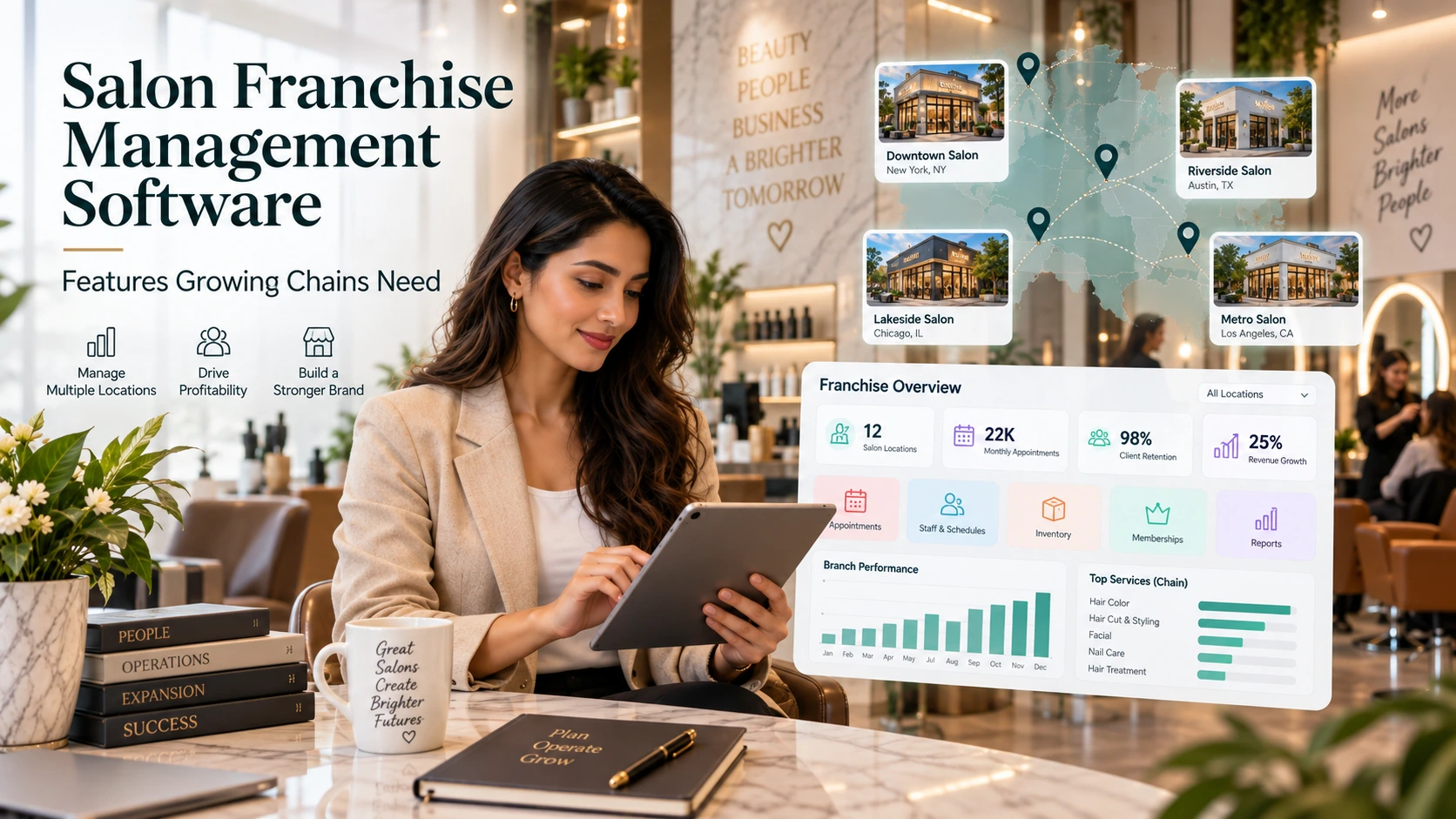
AI can help management understand a complex service business.
Possible questions include:
Which services are driving repeat visits?
Which branch has underused treatment rooms?
Which members have unused package value?
Which staff have unusual cancellation rates?
Which customers are due to return?
Which product categories are moving differently?
AI is most useful when it summarises reliable data.
It should not hide the underlying report or business rule.
How to choose salon and spa software
Test a combined visit
Create a haircut plus massage.
Test room logic
Try to double-book a room.
Test package redemption
Use one service from a multi-service package.
Test combined billing
Pay for several services with different staff.
Test permissions
Compare therapist, receptionist and manager access.
Test customer history
View salon and spa visits in one profile.
Test inventory
Sell a retail product and record a service-use consumable.
Test multi-location
If relevant, move the customer or staff between branches.
Test messaging
Send different reminder templates by service type.
Test export
Confirm you can retrieve customer and transaction data.
Implementation order
Start with the service catalogue and classify salon vs spa services.
Then configure:
duration;
skill;
room/resource;
buffer;
price;
tax;
package eligibility.
Add staff and permissions.
Clean customer data.
Enter package balances carefully.
Configure POS and payment rules.
Then test real mixed visits before opening online booking.
The combined workflows are where configuration problems are most likely to appear.
Common mistakes
Using salon-only software for a room-heavy spa operation.
Using spa-only workflows that make short salon services slow to book.
Separating customer databases.
Ignoring resource utilisation.
Making packages too complicated for reception.
Giving therapists access to unnecessary commercial data.
Launching broad automation before customer records are clean.
Gift cards, vouchers and prepaid value
Salon-and-spa businesses often sell experience-based gifts.
If the platform supports gift cards or vouchers, check how the value is handled.
Questions include:
Is it monetary value or a specific service?
Can it be used at every branch?
Can it be partially redeemed?
What happens after expiry under your policy?
Can it be combined with a package?
How does it appear in reporting?
Gift value should be easy for reception to verify at checkout.
Avoid systems where staff need to search old receipts to confirm whether a voucher is valid.
Building a unified customer journey
A customer may discover the business for a massage, later book hair services, then buy a package.
The system should help the owner see that as one relationship.
A unified journey improves:
lifetime-value analysis;
cross-service rebooking;
marketing segmentation;
package recommendations;
customer recognition across departments.
Do not create separate “salon clients” and “spa clients” unless there is a clear operational reason.
Security and role design
Combined businesses hold more operational data and involve more staff roles.
Create permissions for:
salon professionals;
therapists;
reception;
department managers;
branch managers;
owners.
A therapist should not automatically gain access to full revenue reports or all customer exports simply because they need appointment history.
Good role design keeps the platform useful without making every user an administrator.
Search and AI usefulness
This article keeps salon spa software as the primary subject and answers the main follow-up questions within one page rather than creating thin pages for minor keyword variations. For stronger visibility over time, add original screenshots, workflow diagrams, verified customer examples and first-party benchmarks when available. Those assets give readers information that generic summaries cannot reproduce.
Frequently asked questions
What is salon and spa software?
It is software designed to manage both salon and spa operations, including appointments, customer records, rooms, staff, billing, packages and reporting.
Can the same software handle stylists and therapists?
A suitable platform should support different staff skills, service types and resource requirements.
Can it manage treatment rooms?
Room scheduling is an important feature for spa operations. Test whether rooms are included in online availability.
Can customers buy packages?
Most full platforms support packages or memberships. Check redemption, expiry and branch rules.
Is multi-location support necessary?
It is essential for chains and worth evaluating early for businesses planning to expand.
What is the hardest workflow to test?
A combined visit using several staff and resources, followed by package redemption and one checkout, is a useful stress test.
Final thoughts
The best salon spa software respects the differences between salon and spa operations while keeping the customer and business data connected.
Short services need speed.
Long treatments need resource control.
Owners need one view of customers, revenue, staff and capacity.
A platform that can support all three is far more valuable than simply adding “spa” to a salon feature list.